Runs on the chart you already trade.
Add TRADX AI to TradingView and it works right on your NQ and MNQ charts, from 1m down to 15s.
The setup you keep missing, called out right on your chart. Clear long and short signals, with the risk mapped out for you.
Cancel anytime. Access is delivered to your TradingView account.
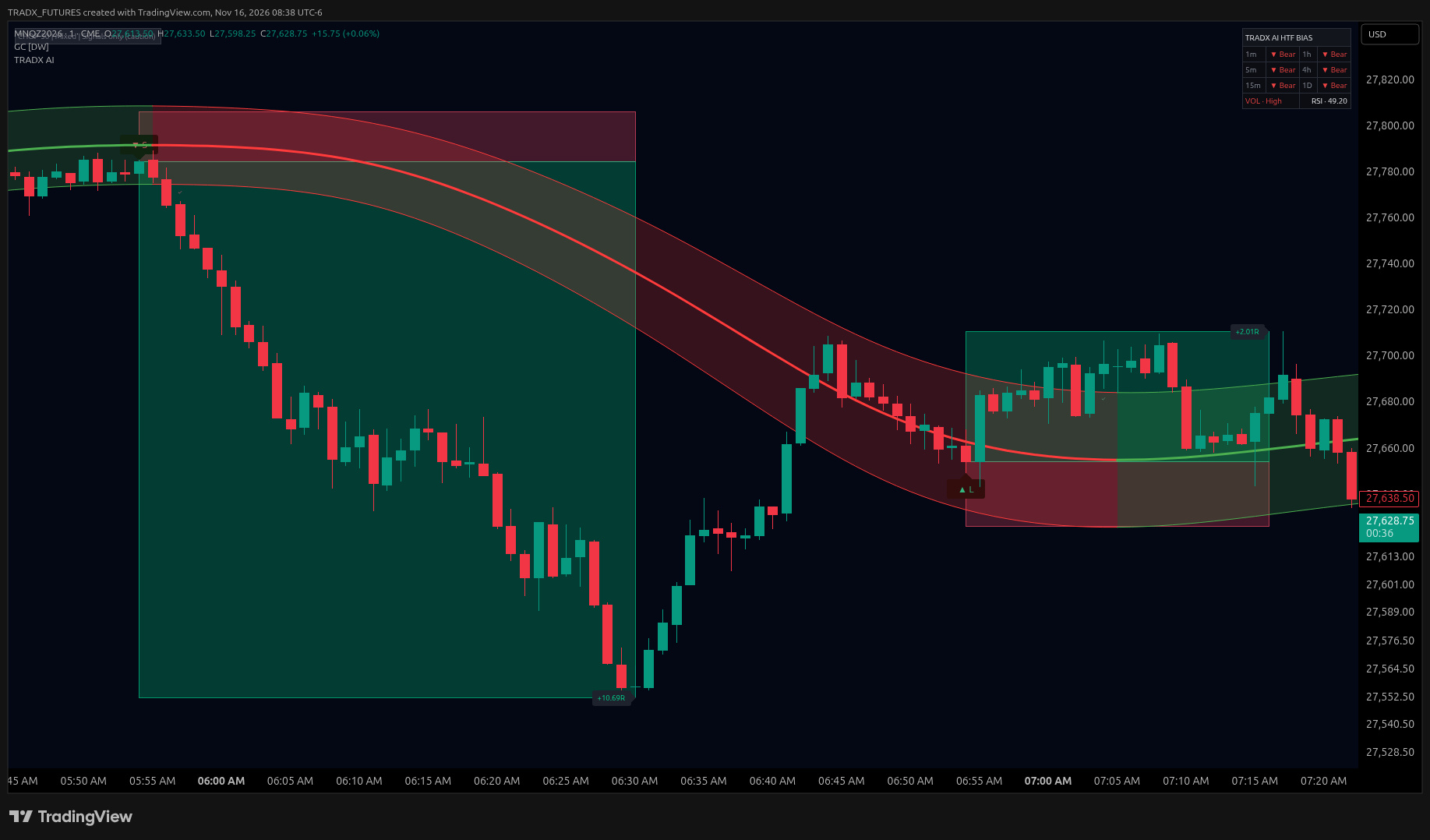 Stop zone
Target zone
Real MNQ 1m chart on TradingView. The curved channel is the Gaussian Channel by DonovanWall, a separate indicator.
Add TRADX AI to TradingView and it works right on your NQ and MNQ charts, from 1m down to 15s.
A clear ▲ L or ▼ S marks the candle where the signal fires. Nothing to interpret.
Every signal draws a red stop zone and a green target zone, so the trade is framed before you're in.
One script: tag the signal, frame the trade with a stop and a target, and alert you when it fires.
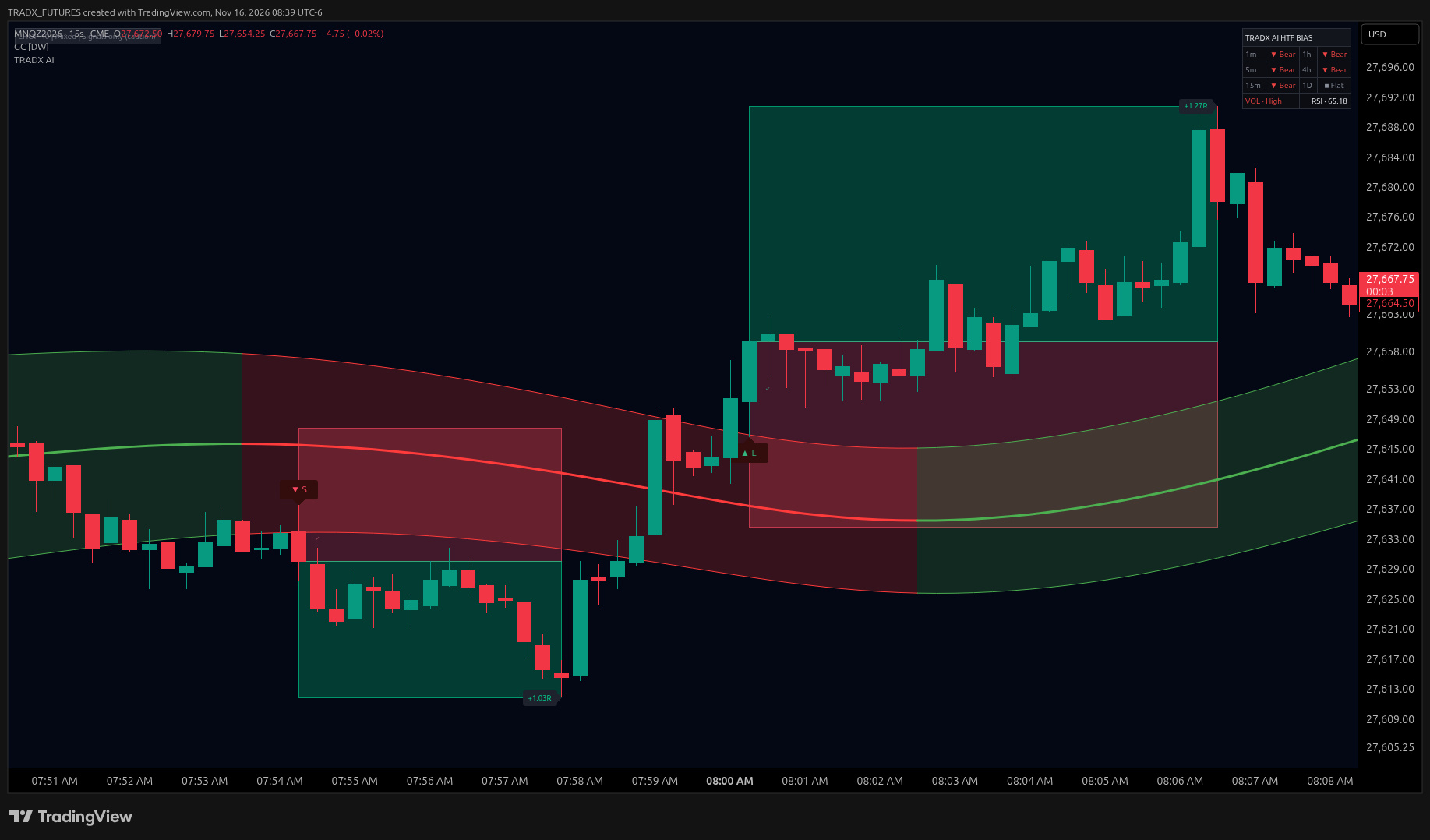
MNQ 15s. A ▲ L or ▼ S prints right where the signal fires.
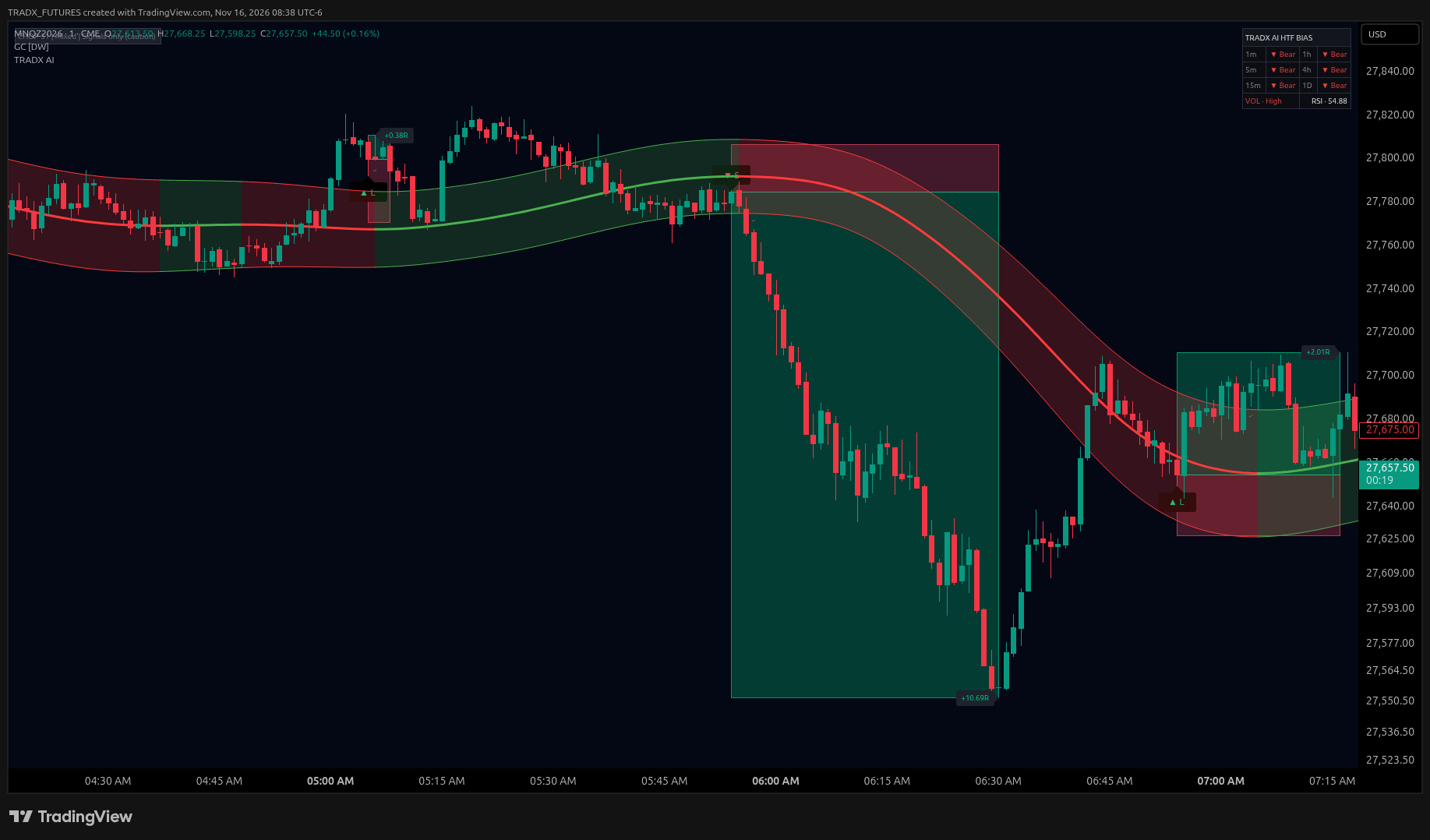
MNQ 1m. Each signal gets a stop zone, a target zone and a tag for how far it ran, in R.
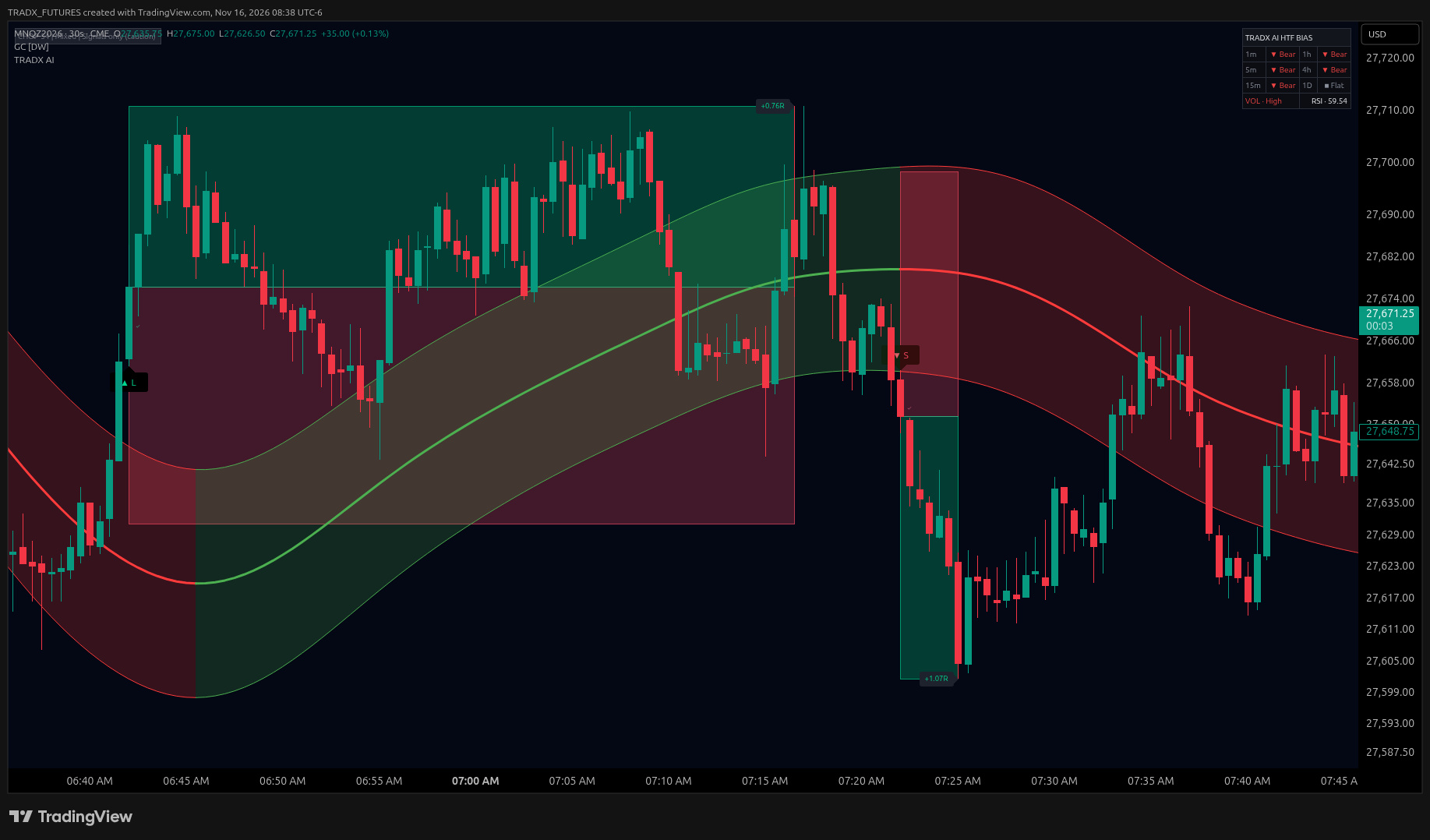
MNQ 30s. A bias panel sits in the corner of your chart while you scalp.
TRADX AI isn't a stream of random buy and sell tags. It comes with a rules-based strategy built around the signals — when to take a setup, where risk sits, when to stay out, and how to manage the trade.
A tag on the chart isn't an automatic click. The strategy lays out the criteria for taking a setup — and for passing on the ones that don't qualify.
Every signal already draws a stop and a target. The strategy uses those zones so you can place risk and frame the trade before you get in.
Sitting on your hands is part of the plan. Context — trend, structure, the session in front of you — tells you when a signal is in play and when it isn't.
Once you're in, the work isn't done. The strategy covers how to manage the position from the signal, instead of leaving the rest to gut feel.
Built for scalping NQ and MNQ, with a higher-timeframe bias panel in the corner of your chart.
Set TradingView alerts and step away from the screen.
Free to join. A place to talk through the session, ask setup questions and follow along with Daniel.
Come hang out in the Discord, or try the indicator free for your first month.
No card needed.
Cancel anytime.
A TradingView indicator for NQ and MNQ futures that tags buy and sell signals on your chart, draws a stop zone and a target zone for each one, and can send alerts.
Yes. TRADX AI comes with a rules-based strategy built around the signals: when to take a setup, where risk sits, when to stay out, and how to manage the trade.
It's built for fast charts: 1 minute, 30 second and 15 second.
Yes. You can set TradingView alerts so you get notified when a signal fires.
Start your free month through Whop, link your TradingView username, and the indicator shows up in your invite-only scripts.
Anytime. Your first month is free, and you can cancel whenever you want from your Whop account.
Join the free Discord and see TRADX AI on real charts first.